Ascent. The new age of mixing and mastering.Your mix. Finished.
Ascent renders a finished baseline from your mix in seconds. Engineers get a head start. Everyone else gets a pro finish. Every control stays in your hands.
- Windows VST3
- Mac AU / VST3 beta
- $49 once, no subscription
- Free trial, no card needed
One mix.
Two versions.
Press play, then switch. Both versions run in sync, so you hear only what Ascent changed. Best on headphones or good speakers: phone speakers hide the low end.
- Now playing
- With Ascent
- Loudness
- -11.9 LUFS+3.6 LU
- True peak
- -1.3 dBTP
- Time
- 0:00 / 0:30
The master at its finished loudness. Muted gold is your original; bright gold is what Ascent changed. Rendered by Ascent 3.0.0 with the dark-mix Listen update in Full mastering with Auto loudness. Space plays, B and S switch. Music by Jacob Merritt.
What Ascent does
A finished master, with every setting left on screen.
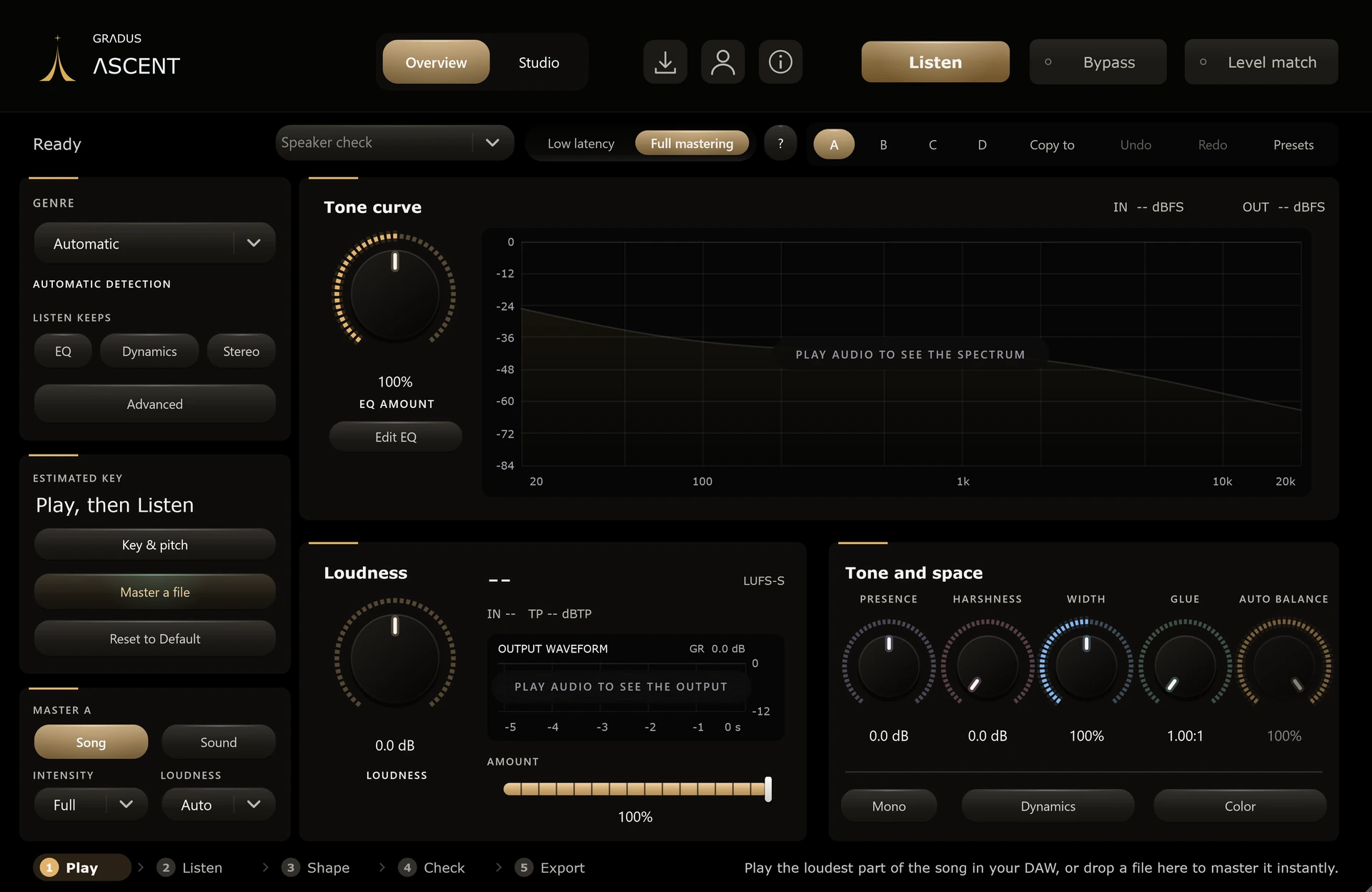
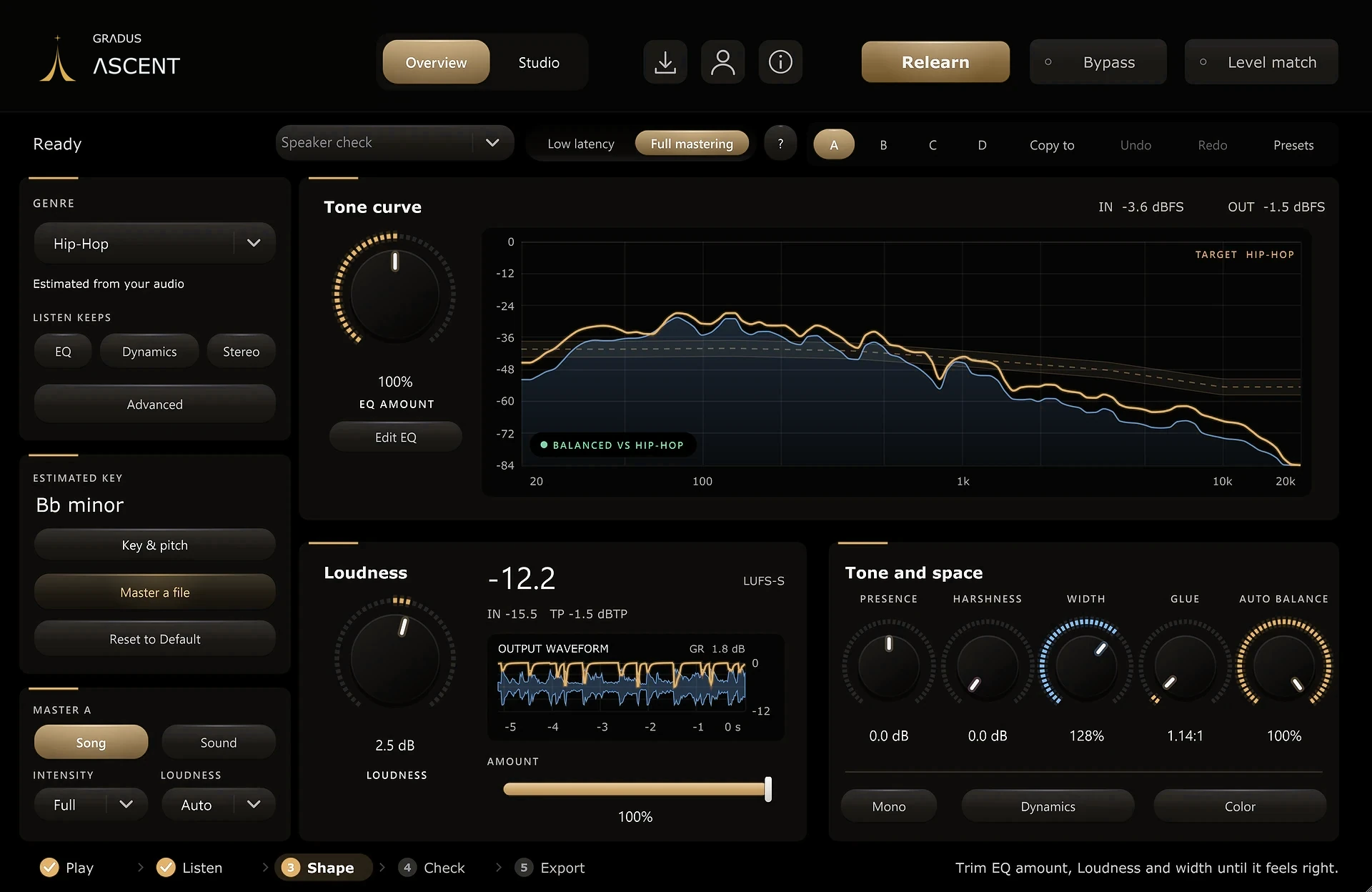
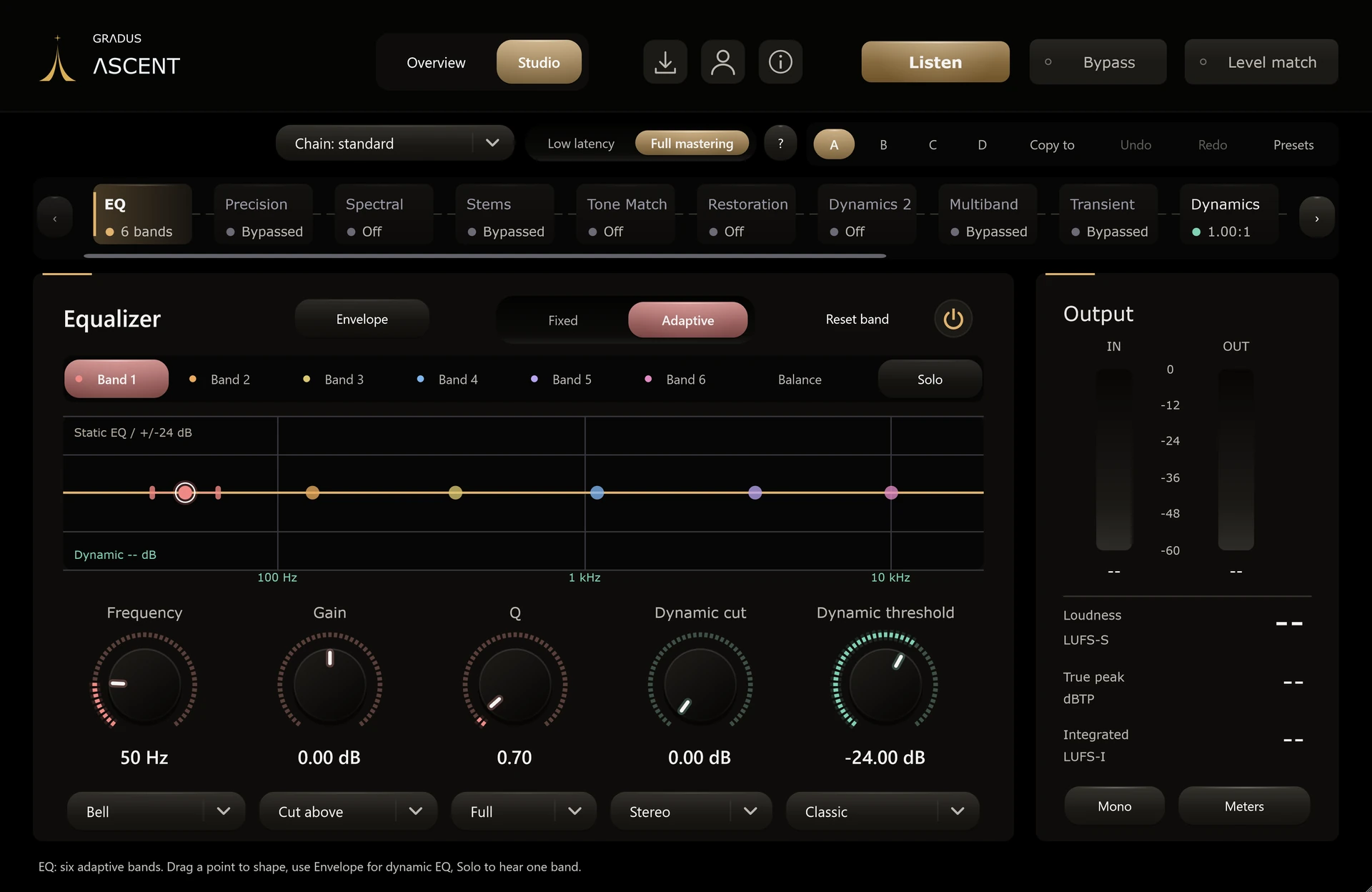
Put it last on your master bus and press Listen: it builds a finished starting point for tonal balance, compression, stereo width, harmonic color and loudness. Every value it chose stays on screen, so you can keep it, nudge it, or master from scratch. See all features
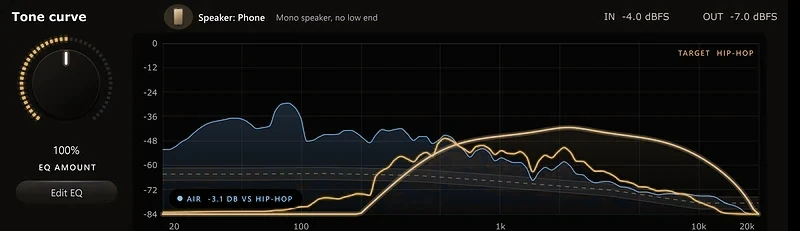
5speaker checks
Phone, earbuds, laptop, car and club, before anyone else hears it.
1press
Listen hears a section of your mix, or drop a file in, and the whole chain is set.
6dynamic bands
Every EQ band can cut or lift only when the music asks for it.
14modules
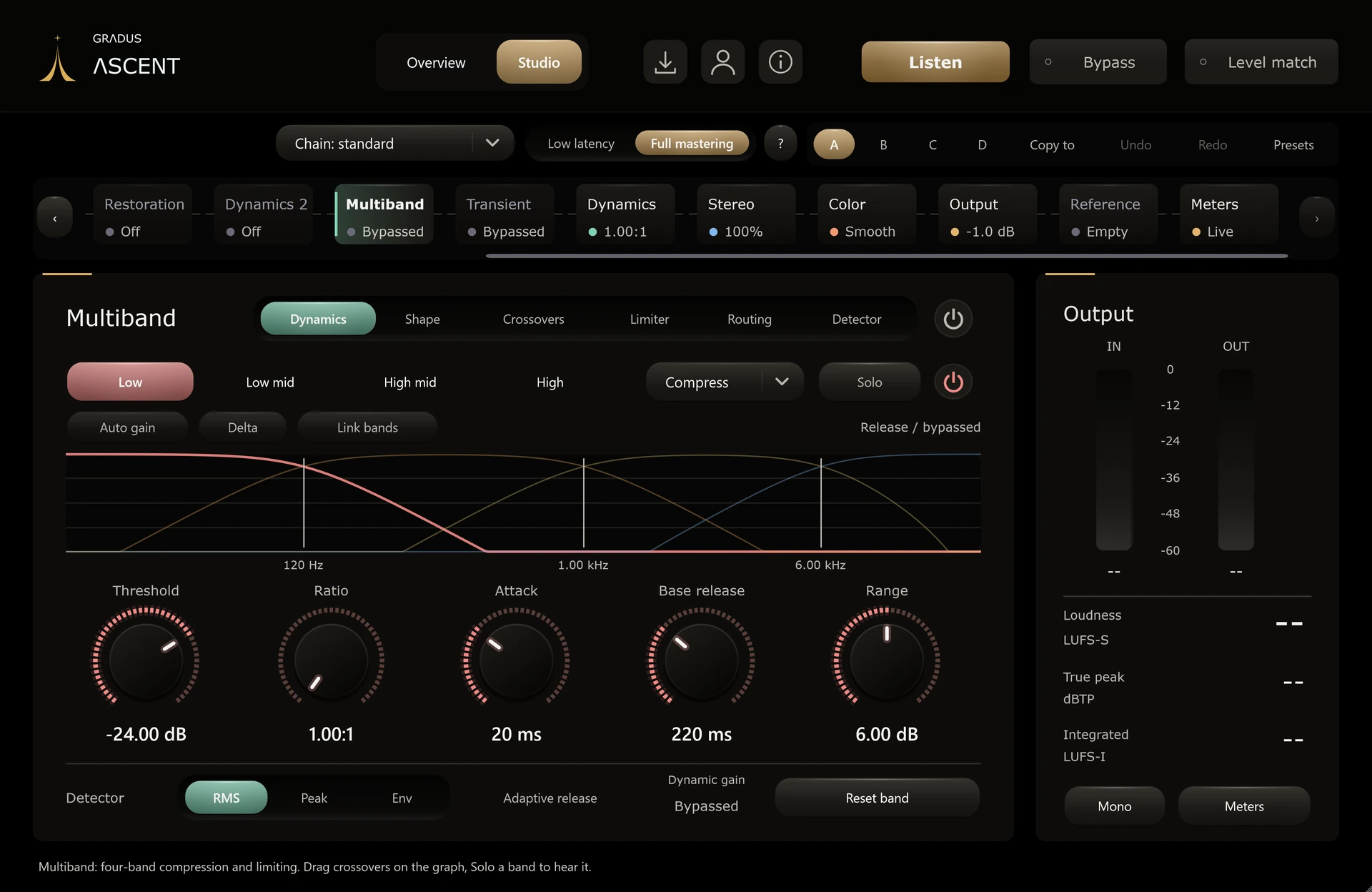
EQ, dynamics, stereo, color, restoration, stems and more, in one window.
- EQ
- Precision
- Spectral
- Stems
- Match EQ
- Restoration
- Multiband
- Transient
- Dynamics
- Stereo
- Color
- Output
- Reference
- Meters
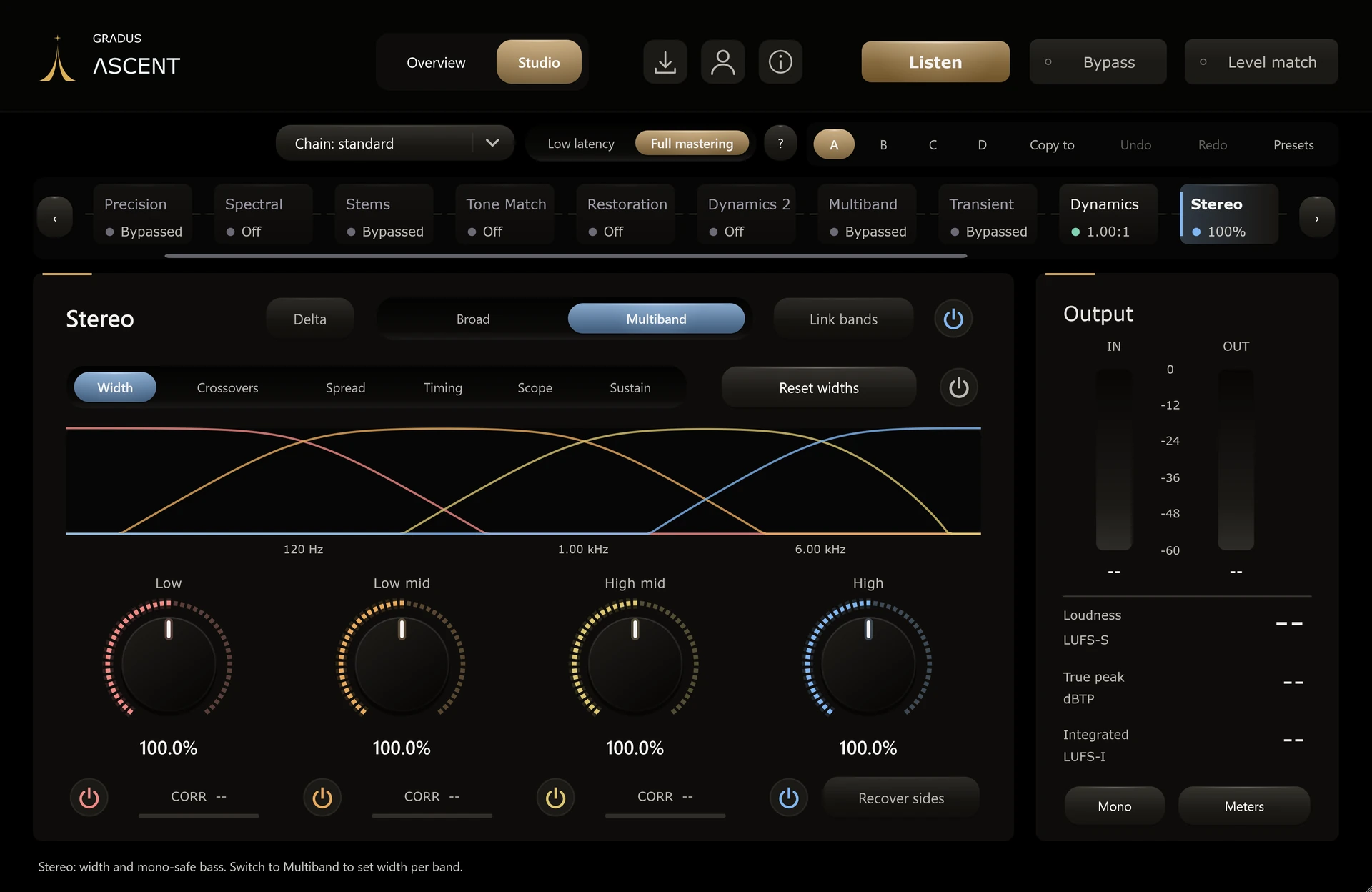
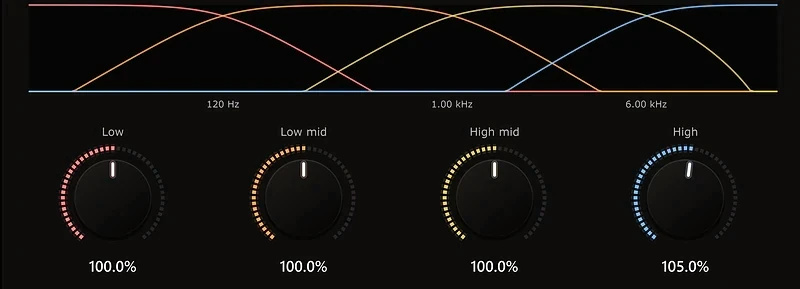
200% width
Four-band stereo imaging with the low end kept centered.
Anyscreen
A vector interface you can resize to fit your screen, from a laptop to a 4K monitor. It stays sharp at every size.
Delivery checks
Check your master before you ship it, on every streaming service.

Hear it as listeners will
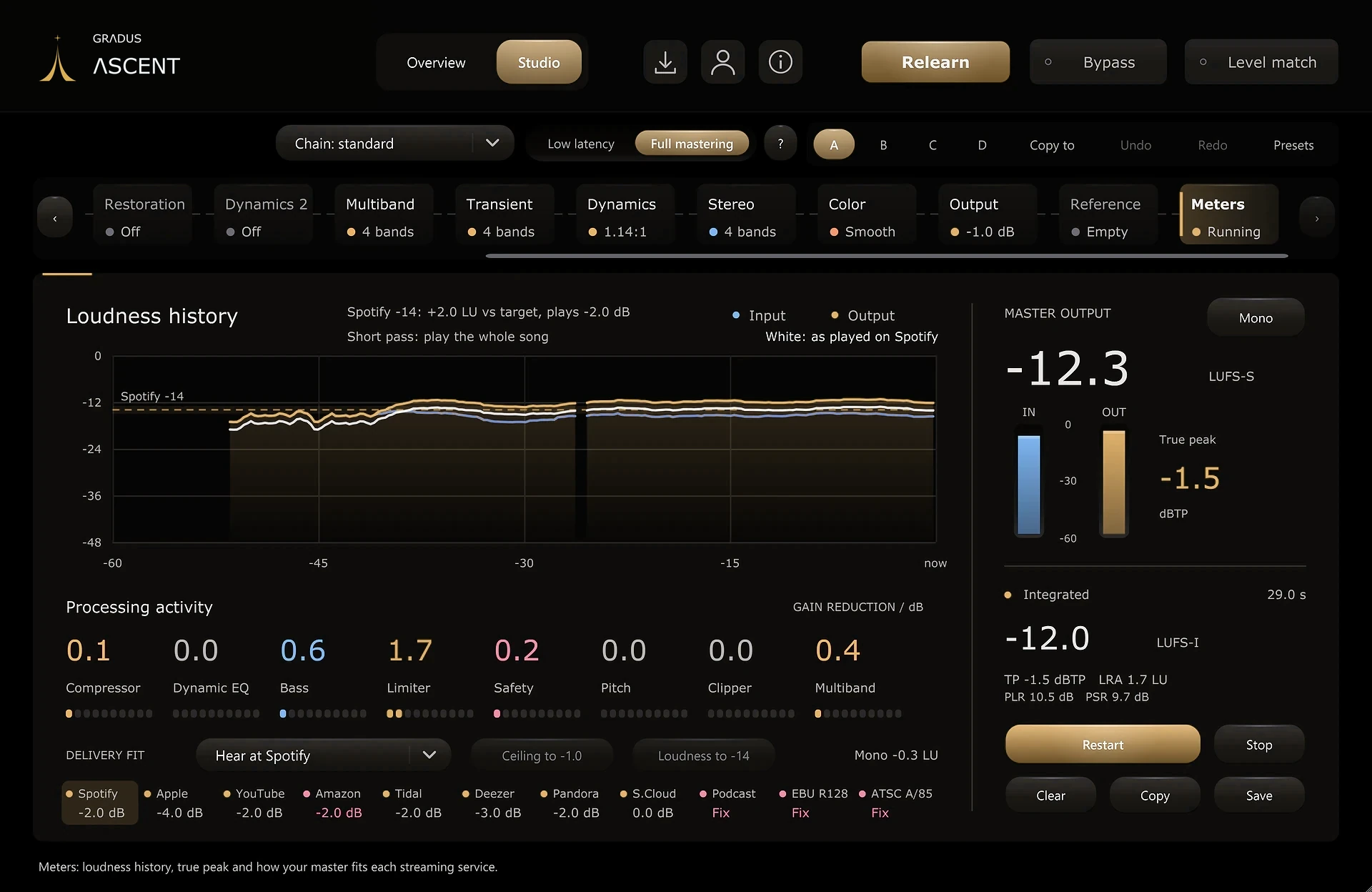
Audition your master at the level each service plays it, with Spotify Loud and Quiet and a safe all-streaming target. Monitoring only.
11 services at a glance
Apple Music, Spotify, YouTube, Amazon, Tidal, Deezer, Pandora, SoundCloud, podcast and two broadcast standards, each pass, warn or fail.
One-click fixes
Set the output ceiling or move the Maximizer gain toward the target. Ascent shows the move before you make it.
Codec headroom
Flags passes that sit too close to full scale, where lossy encoders can clip.
Mono and width
Mono fold-down loss, low-end phase and how much of the mix lives in the sides.
Clean starts and ends
Catches abrupt endings, long silences, DC offset and heavy sub-bass rumble.
Sidechain Dynamic EQ
Key any dynamic band from your DAW sidechain so a kick or a vocal moves the band.
A report you can keep
Save or copy a timestamped delivery report with the numbers and the next steps.
Service targets are commonly published figures and can change.
Ascent 3.0.0
$49one time, yours to keep
Buy AscentSecure checkout by StripePay in 4 with Klarna
Try it free for 7 days first. No card needed. Start from your account, use it on your own songs, and it switches off by itself if you don’t buy.
Start free trialWhat you get
- No subscription
- Windows VST3 now, Mac beta, saved to your account
- Future updates included
- Works offline for up to 30 days
Works in the DAW you already use
- Ableton Live
- FL Studio
- Cubase
- REAPER
- Bitwig Studio
Sign in to buy; your installer is saved to your account. 14-day refund, no questions asked. Purchase policy
Already own it? Open your downloads.
Questions about Ascent
Can I work without Listen?
Yes. Open Studio and set EQ, dynamics, stereo, color and output yourself. Listen is an optional starting point.
Can I master a song without playing it in my DAW?
Yes. Drop an audio file on the right half of the Overview, or press Master a file. Play it inside Ascent, press Bypass to compare, and export a mastered 24-bit WAV.
Does it replace mixing?
No. It processes the stereo mix. Changes to individual instruments and vocals stay in your DAW.
Can I use a reference track?
Yes. Import a finished track to compare against, or let it guide the next Listen.
Does it need the internet?
Only to activate. After that it works offline for up to 30 days at a time.
Already own Ascent?
Version 3.0.0 is included. Sign in to your account for the Windows and Mac beta installers.